





Short version: an ISP proxy is a static IP that looks like a regular person’s home internet to any website, but runs at datacenter speed. A hybrid. Best of both worlds.
 Why Trust Us?
ToProxyLab has been testing proxy services since 2025. We pay for most plans ourselves, and when a provider gives us test traffic we say so in the review — free traffic buys a place in the testing queue, nothing else. Every provider goes through the same speed, uptime and fraud-score checks, and we publish the real numbers, including the bad ones. A rating cannot be bought. Learn who we are and how we review proxies.
Why Trust Us?
ToProxyLab has been testing proxy services since 2025. We pay for most plans ourselves, and when a provider gives us test traffic we say so in the review — free traffic buys a place in the testing queue, nothing else. Every provider goes through the same speed, uptime and fraud-score checks, and we publish the real numbers, including the bad ones. A rating cannot be bought. Learn who we are and how we review proxies.
Now let me put it in plain English.
When I first dug into proxies, my brain melted from all the jargon. Residential, datacenter, mobile, static residential, ISP. And half the articles ranking on Google are just robots rewriting each other. So I’ll explain it the way I wish someone had explained it to me five years ago.
What Is an ISP Proxy in Plain English
And that’s the whole trick right there.
To the target site, that IP smells like a home user. The site looks at the address, sees a normal provider behind it, and thinks: “okay, this is a real person with a couch and a cat.” But in reality the requests are flying off a beefy server that doesn’t lag or drop.
People also call them static residential proxies. Same thing, two names for one product. Don’t let it confuse you.
How ISP Proxies Work: Breaking Down the Mechanics
The request path itself is simple. Your device → proxy server → the site you want → and back to you. The proxy swaps your real IP for its own.
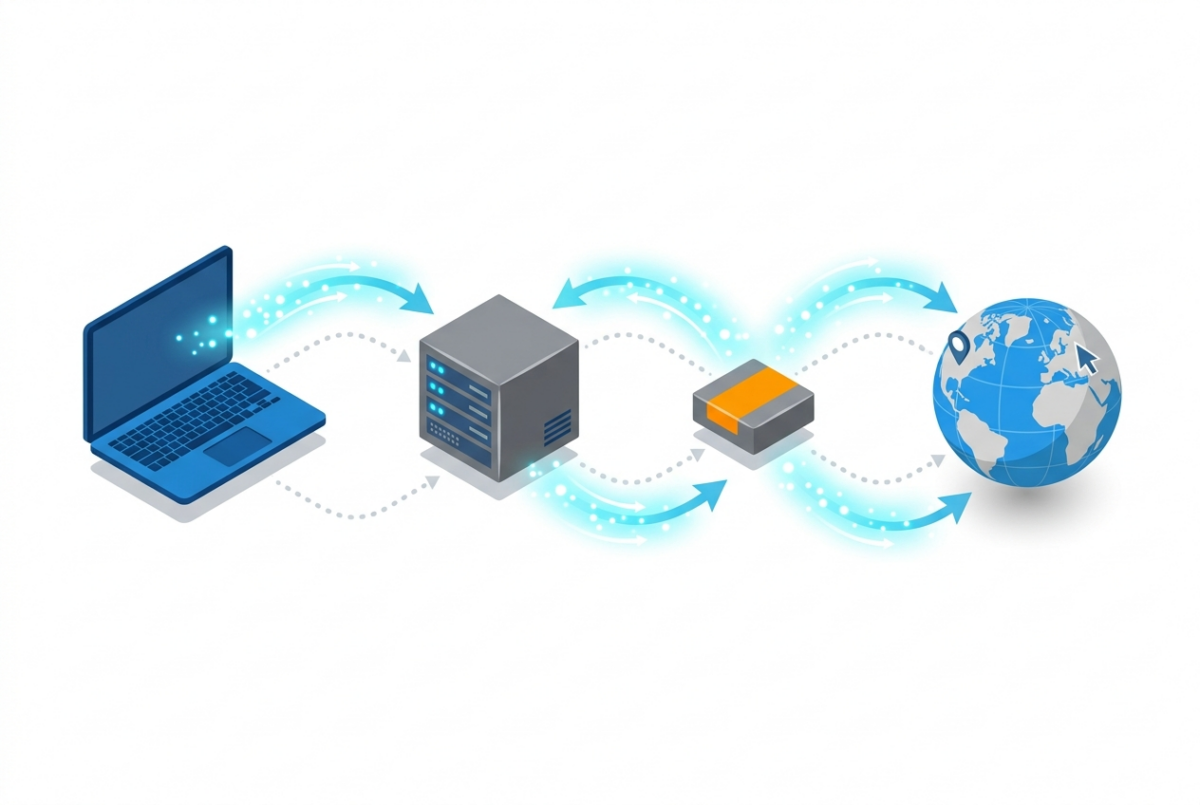
But the interesting stuff hides deeper. In how sites actually decide whether you’re a real visitor or a bot.
Every range of IP addresses is tied to something called an ASN. That’s an Autonomous System Number. Think of it as a passport that says: “these addresses belong to this provider or this hosting company.”
When you connect through a regular datacenter proxy, its ASN shouts to the whole internet: “I’m Amazon AWS!” or “I’m Hetzner!” Anti-fraud systems spot that in a millisecond and flash the red light. Hello, captcha. Or a ban.
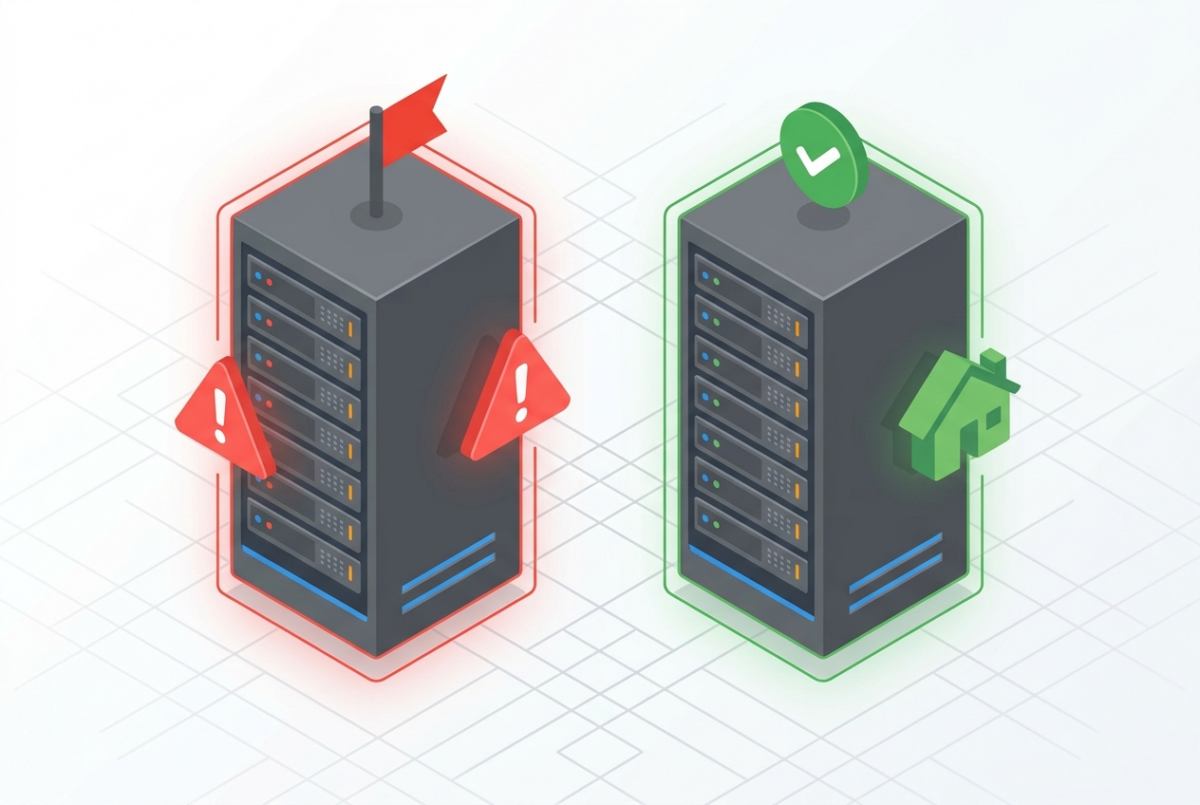
With an ISP proxy, the ASN belongs to a telecom provider. The kind that millions of real people go online through. So suspicion drops to zero. If you want to dig into the technical side of ASNs, Cloudflare has a solid no-fluff explainer.
Second thing – it’s static. The IP stays yours for a long time. Days, weeks, months. It doesn’t change with every request the way a regular residential one does. For working with accounts that matters a lot, because the site gets used to seeing you from one address and doesn’t panic.
Types and Specs of ISP Proxies
No surprises here, but let’s walk through it.
By rotation they come in two flavors: static (one IP for the long haul, the classic) and rotating (the address changes on a timer or with every request). Static handles 90% of the jobs.
Protocols – HTTP(S) and SOCKS5. For scraping and browser work, HTTP(S) is usually plenty. People grab SOCKS5 when they need to push any kind of traffic, not just web.
Two ways to authenticate. Username/password or IP whitelist. Whitelist is handier when you’ve got a static home address. Username/password works when you’re hopping between locations.
Speed. This is where ISP rips a regular residential proxy to shreds. With real home proxies the traffic goes through someone’s actual router, and if that person has weak wifi, you’ll feel it. ISP runs at server speed, up to 1 Gbps. No lag from a stranger’s wifi behind the wall.
ISP vs Residential vs Datacenter: Where the Difference Lies
The big question half the people open these articles for. Let me lay it out.
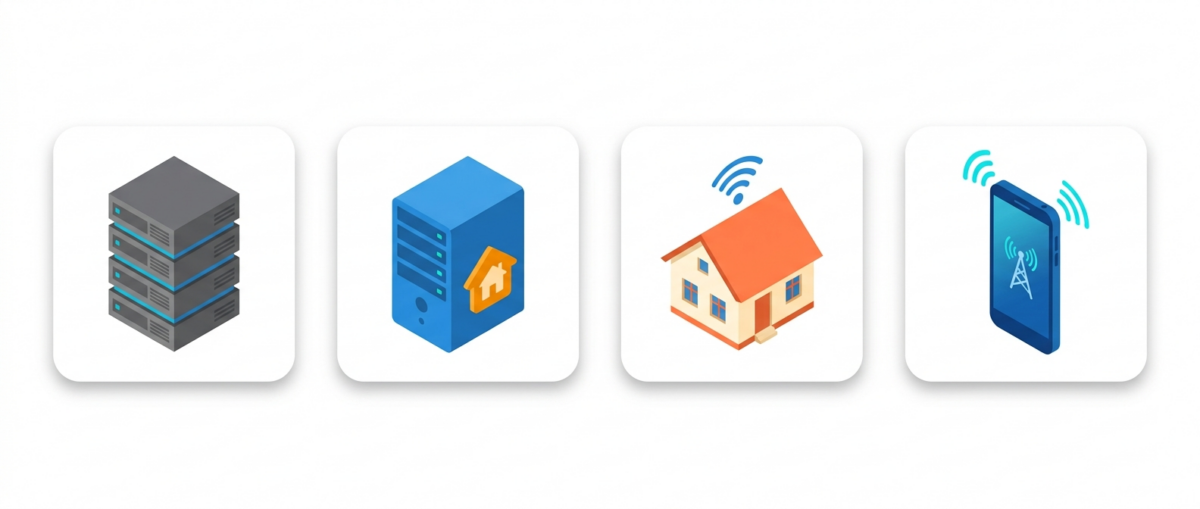
| Parameter | Datacenter | ISP (static residential) | Residential | Mobile |
|---|---|---|---|---|
| IP origin | Datacenter | Provider + datacenter | Real people at home | Mobile carriers |
| Speed | Very high | High | Medium, jumpy | Low to medium |
| Ban risk | High | Low | Low | Very low |
| Static | Yes | Yes | Usually not | No |
| Price | Cheap | Mid-range | Pricey per GB | Expensive |
| Geo variety | Huge | Limited | Huge | Medium |
The takeaway in words. Datacenter – cheap and fast, but banned in a heartbeat. Residential – max disguise and a ton of locations, but slow and you pay for every gigabyte. ISP – the sweet spot: fast, static, doesn’t get banned, but the IP pool and geo coverage are thinner.
If you want to compare specific services on these parameters, I keep a proxy ranking where everything is broken down by actual tests, not by marketers’ promises.
Pros and Cons. Straight Up

I’ll start with the good.
Server-grade speed. A static IP that won’t drop mid-session. High trust from sites because the ASN is a provider’s. Unlimited traffic from most decent sellers – you pay for the IP itself, not per gigabyte.
Server-grade speed. A static IP that won’t drop mid-session. High trust from sites because the ASN is a provider’s. Unlimited traffic from most decent sellers – you pay for the IP itself, not per gigabyte.
Now the stuff sellers stay quiet about.
Price is higher than datacenter. You pay extra for that provider ASN, and that’s fair.
Thin geo coverage. Want an ISP proxy in, say, Vietnam or Nigeria? Good luck. The main choices are the US, a couple of European countries, sometimes Asia. That’s it.
Smaller address pool. Few subnets, and if you cram a hundred accounts onto neighboring IPs from the same block – a smart anti-fraud system will catch it. Don’t put all your eggs in one subnet.
One more thing. Dirt-cheap ISP proxies often turn out to be oversold. The IP has already been burned by a hundred renters before you and sits on the blacklists of half the services out there. Check the address reputation before you buy, for example through IPQualityScore.
Where People Actually Use Them

- Running multiple accounts on social media and marketplaces. Each account gets its own static IP, and the platform never sees the link between them.
- Scraping protected sites. Where datacenter proxies catch a captcha on the first request, ISP proxies sail right through.
- Sneaker drops and limited releases. Speed is everything here, milliseconds between you and a hundred other bots. ISP’s server speed is right at home.
- SEO monitoring and checking search results by region. See how a site ranks through the eyes of a user in a specific country.
- Ad verification and competitor analysis. You see which ads are actually running in the geo you care about.
How to Pick a Provider and Not Get Burned
- Look at the size and freshness of the IP pool. Not the pretty numbers on the landing page, but whether the addresses are oversold.
- Check the available locations. Need Germany? Make sure it’s actually there, not “coming soon.”
- Find out the pricing model. Per IP or per traffic. For static, paying per IP with unlimited bandwidth is almost always the better deal.
- Test support before you buy. Send them a question. Reply in five minutes – good. Silence for a day – run.
Is This Legal

Proxies themselves are legal. They’re just a tool, like a knife or a hammer.
The question is what you do with them. Scraping public data, verifying ads, getting around geo-restrictions for analytics – fine. Hacking other people’s accounts, running DDoS attacks, stealing data – that’s a crime, and proxies won’t save you.
Read the terms of service of the sites you work with. And don’t break local data laws like GDPR. It’s boring, but cheaper than dealing with lawyers.
FAQ
How are ISP proxies different from residential ones?
ISP proxies live on servers and run fast, and the IP is locked to you. Residential ones run through real home devices, slower and usually rotating. Both have a provider ASN, so site trust is similar.
Are ISP proxies safe?
On their own, yes, if you buy from a decent seller. The dangerous ones are free “ISP proxies” – those often log your traffic and sell your data. Don’t fall for the freebies.
How much do ISP proxies cost?
Around $1 to $3 per IP per month from reasonable services. Cheaper than that – almost certainly resold, burned addresses.
Are there free ISP proxies?
Technically yes, they get handed out on forums. In practice it’s junk: dead, blacklisted, sometimes intercepting your traffic. Your time is worth more.
Are ISP proxies good for social media?
Yes, they’re one of the best options for running multiple accounts. Static IP + provider ASN = a calm platform.
Bottom Line
An ISP proxy is for when you need server speed but with the face of a regular home user. Static address, provider ASN, minimal bans.
Use them for running multiple accounts, sneaker drops, and scraping heavy sites. Skip them if you desperately need exotic geo or thousands of different subnets – plain residential is the better call there.
Above all – don’t cheap out on the seller. A cheap ISP proxy is usually a burned ISP proxy.